Choosing a Terminal for WSL on Windows
Choosing a Terminal for WSL on Windows - different options
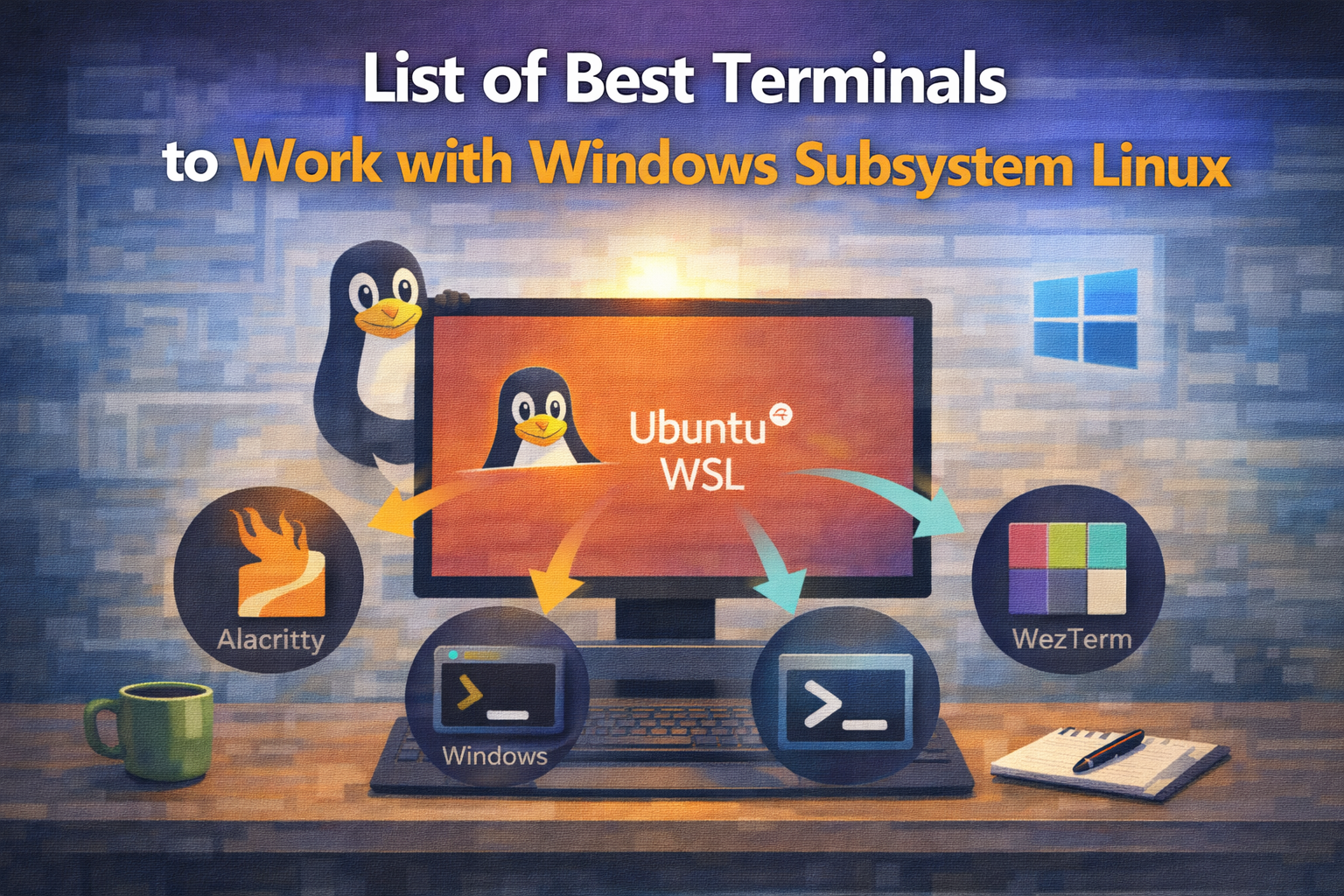
Terminals
Windows terminal
It is the official Microsoft Windows Terminal. It can be configured via a json file. Only available on Windows.
Also, and surprisingly it is open source and you can find the code on GitHub here
Pros:
- Modern terminal.
- Advanced built-in features.
- Configuration stored on a JSON File.
- Fully compatibility with Windows and WSL.
- True color, Emoji’s and Hyperlinks.
Cons:
- Can feel more slower than other terminals.
- Does not support Graphics Protocol or SIXEL.
Configure Windows Terminal for WSL
Alacritty
Moder terminal cross-platform terminal, blazing fast written in Rust.
Alacritty is a terminal loved by the community, although it has not so many built in features other have, if you are an advanced terminal user you will love it.
Pros:
- Open Source
- Fastest terminal
- Configuration via a toml file.
- True color, Emoji’s and Hyperlinks.
- Good configuration defaults and infinite options to customize it.
Cons:
- Can feel old.
- Does not have simple built-in features like tabs.
- Customize configuration might be intimidating at the beginning.
- Does not support Graphics Protocol or SIXEL.
Configure Alacritty on Windows for WSL
Wezterm
Another modern terminal written in rust. It comes with many built-in features.
Wezterm author is very keen adding features proposed by the community.
Check it out here
Pros:
- Open Source
- Modern terminal.
- Advanced built-in features.
- True color, Emoji’s and Hyperlinks and Graphics.
Cons:
- Slower than other simple terminals like Alacritty.
- Lua configuration might have a steep learning curve at the beginning.
Configure Wezterm on Windows for WSL
Others
I’d like to also include other Terminal options.
Although I have not used them very much to have a strong opinion, they are worth mentioning:
- Tabby: super modern and customizable terminal.
- Hyper: electron based modern terminal.
- Warp: AI first terminal.
- Waveterm: open source ai first terminal
Which one to choose?
Windows users / non-advanced users
- Windows Terminal
Windows Terminal can feel a bit sluggish, but it comes with almost everything you need out of the box. If you are a regular user, do not plan to use a terminal multiplexer (such as Zellij or tmux), and do not care much about rendering speed, Windows Terminal is a solid default choice.
Advanced users focused on speed
- Alacritty
Alacritty is the fastest option, especially when used with WSL. It is best suited if you rely on a terminal multiplexer, as it does not provide tabs or most modern terminal features on its own. Image rendering is also not supported (for example, Yazi previews will not work), which can be a deal-breaker for some workflows. I personally use Alacritty and accept its limitations, as I prefer smoothness and speed over built-in features.
Medium to advanced users looking for speed and features
- WezTerm
WezTerm offers a good balance between performance and functionality. Configuration can feel a bit complex at first, but once set up, it is quite capable. It is not as fast as Alacritty, but it performs better than Windows Terminal. It also supports image rendering and includes a built-in multiplexer, which reduces the need for external tools.
Other options
If you already use or want to try another modern terminal mentioned earlier, that is perfectly fine. Personal preference and workflow matter more than picking a “best” terminal.